ongcuci App — Play Anywhere, Anytime
The ongcuci App brings over 5,900 games, live betting and fast deposits to your Android phone. Free to download, no subscription needed — just install and go.
- SSL Encrypted
- Android 8.0+
- 24/7 Support
- Touch 'n Go · DuitNow
- 18+ Only
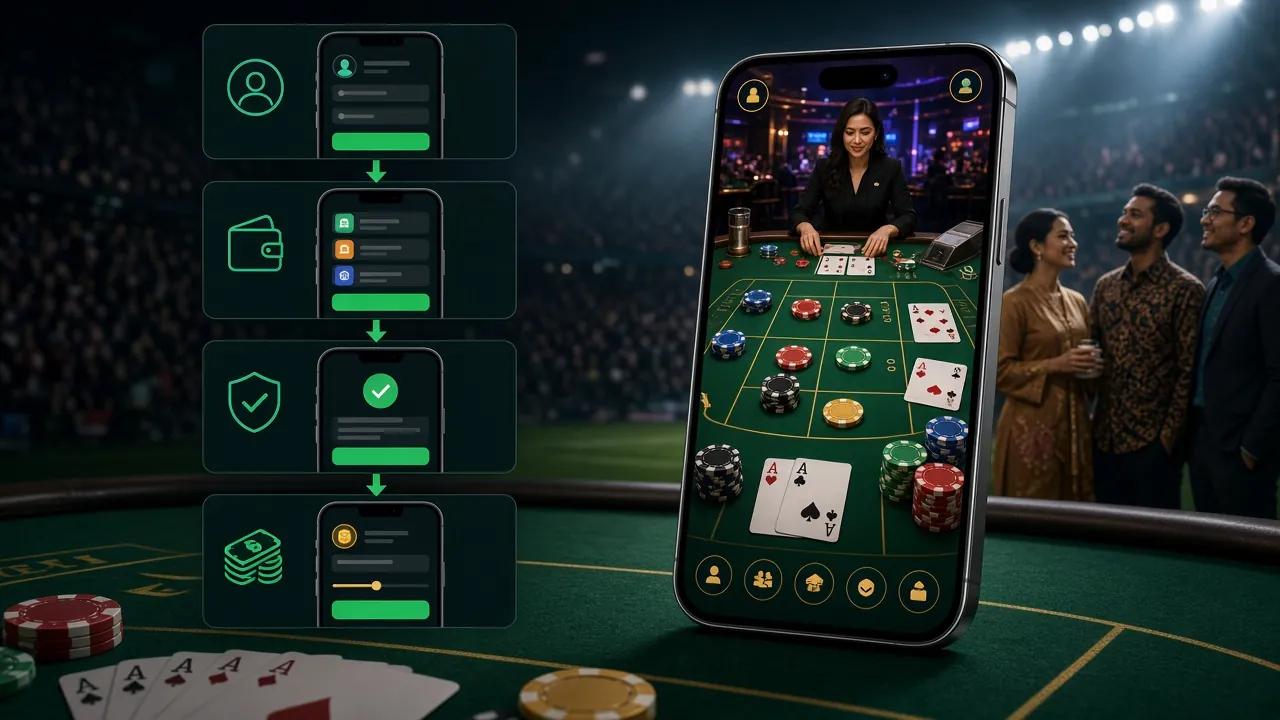
System Requirements & Version Details
Check these specs before you download — make sure your phone meets the minimum Android version so the app runs without issues.
Before You Download
- Your Android must be version 8.0 or higher.
- You need at least 60 MB of free storage (45 MB for the APK plus working space).
- A stable mobile data or Wi-Fi connection is recommended during installation.
- The APK is sourced directly from ongcuci's own servers — always download from ongcuci.im only.
- iOS users on iPhone or iPad should use the browser version and add it to their Home Screen for a near-native experience.
What You Can Do in the App
Every feature available on the full site is packed into the ongcuci App — with a layout built for one-handed play on your phone.
Slots & Fishing Games
Access titles from PG Soft, FA Chai, CQ9 and more. Monster Plinko, Dino Hunter and Monkey King Fishing all load in seconds over mobile data. Minimum bets start from RM 0.10, so you control your spend.
Live Casino Tables
Stream live blackjack and baccarat from Evolution and CQ9 dealers in HD. The app optimises video quality to your connection speed automatically, so you won't miss a card even on 4G.
Football & Sports Betting
Place pre-match and live bets on Malaysian Super League, EPL, Champions League and more. The app refreshes odds in real time — no page reload needed. Cash-out is available on selected markets.
Crash & Fast Games
Aviator-style crash rounds, keno draws and instant-win games run smoothly at 60 fps. Rounds take under 30 seconds, making these the go-to games during a commute or lunch break.
Deposits via Touch 'n Go & DuitNow
Top up your ongcuci balance directly through Touch 'n Go eWallet, DuitNow, FPX or Bank Transfer inside the app. Deposits reflect within 1 minute. Minimum deposit is just RM 5.
Bonuses & Daily Cashback
Claim your first-deposit bonus of up to 215% (capped at RM 750), 8% reload bonuses and 1.1% daily cashback directly from the app's Promotions tab. No need to log in on a browser separately.


Installing the Android APK: Step-by-Step
Android phones don't install apps from outside the Play Store by default. Follow these five steps — the whole process takes under three minutes.
-
Allow Installation from Unknown Sources
Go to your phone's Settings → Apps (or Security on older devices) and enable Install unknown apps. On Android 10 and above, you grant this permission per-browser or per-file-manager, so select whichever app you use to open the downloaded file. This is a one-time setting that you can reverse after installation.
-
Download the ongcuci APK
Tap the Download APK button on this page. Your browser will save
ongcuci.apk(45 MB) to your Downloads folder. Keep your screen on while downloading — interrupting a mobile download can corrupt the file, requiring a fresh start. -
Open the Downloaded File
Tap the download notification in your status bar, or open your Files / My Files app and navigate to the Downloads folder. Tap
ongcuci.apkto begin the install prompt. If your device asks which app to use, choose Package Installer. -
Confirm and Install
Android will show a permissions summary — the app only requests internet access, storage read access and notification permission. Tap Install to proceed. Installation typically takes 10–20 seconds. You'll see a confirmation screen when it's done. Do not close the prompt mid-install.
-
Log In or Register to Start Playing
Open the ongcuci App from your home screen. Existing members can log in with their username and password. New players can register directly inside the app — it takes under two minutes. Once in, head to the Promotions tab to claim your first-deposit bonus before making your initial top-up.
iPhone / iPad Users
Apple's App Store restrictions mean there's no native iOS APK. Instead, use Safari to get a full-screen app experience:
- Open ongcuci.im in Safari on your iPhone or iPad.
- Tap the Share button (box with arrow icon) at the bottom of the screen.
- Scroll down and select "Add to Home Screen".
- Give it the name ongcuci and tap Add.
The icon appears on your home screen. When you open it, the site runs full-screen without browser chrome — almost identical to a native app experience.
Download the ongcuci APK
This APK is hosted on ongcuci's own servers at ongcuci.im. Never download from third-party APK mirror sites — they may bundle modified files.
App vs Browser: What's Different?
Both options give you full access to your ongcuci account. Here's how they compare across the things that matter most for daily play.
| Feature | ongcuci App | Browser (Mobile/Desktop) |
|---|---|---|
| Game loading speed | Faster — assets cached locally | Depends on page cache |
| Push notifications | Yes (bonus alerts, match start) | Not available natively |
| Fingerprint / Face ID login | Supported on compatible devices | Not available |
| Full game library access | All 5,900+ games | All 5,900+ games |
| Deposit & withdrawal | Full support | Full support |
| Live betting & cash-out | Real-time odds refresh | Manual page refresh needed |
| Screen space for live tables | Full-screen, no browser UI | Browser address bar takes space |
| iOS support | Android only (native APK) | All devices via Safari/Chrome |
| Auto-update | Manual — download new APK when available | Always latest version automatically |
| Data usage (per hour, streaming) | ~80–120 MB (optimised) | ~100–150 MB |
The app wins for daily Android users who want push alerts and quicker load times. Browser access is the better choice for iOS players and for desktop sessions where screen real estate matters.
Permissions & Security Explained
The ongcuci App requests only the permissions it actually needs. Here's what each one does and why it's there.
Internet Access
Required for all game streaming, live odds feeds, deposits and account functions. Without this permission the app cannot connect to ongcuci's servers. No data is shared with advertising networks.
SSL Encryption on All Traffic
Every connection between the app and ongcuci's servers is encrypted with TLS 1.3. Your login credentials, banking details and session tokens are never transmitted in plain text — standard practice for all financial apps.
Notification Permission
Used only for bonus alerts, deposit confirmations and match-start reminders. You can disable individual notification categories inside the app's Settings at any time without affecting gameplay or account access.
Biometric / Device Credentials
Requested only if you choose to enable fingerprint or Face ID login. The biometric data never leaves your device — the app uses Android's native authentication API and receives only a pass/fail result. Your fingerprint is not stored by ongcuci.
Common Install Problems & How to Fix Them
Most issues come down to one of five root causes. Find your problem in the table below and follow the fix — usually resolved in under two minutes.
| Problem | Likely Cause | Fix |
|---|---|---|
| "Install blocked" message | Unknown sources permission not enabled for the browser or file manager you used to open the APK. | Go to Settings → Apps → [your browser] → Install unknown apps and toggle it on. Then tap the APK file again. On Android 8–9, the setting is under Settings → Security → Unknown Sources. |
| Download stops at 70–80% | Unstable mobile data connection or low storage space causing the browser to cancel the download. | Switch to Wi-Fi if possible, or clear 100 MB of storage before retrying. Open the APK link fresh — do not resume a partial download as the file may be corrupted. |
| "App not installed" after tapping Install | An older version of the ongcuci App is already on your phone, or the downloaded APK file is incomplete. | Uninstall the existing ongcuci App via Settings → Apps, then download and install the new APK fresh. If the problem persists, re-download the file over a stable connection. |
| App crashes immediately on open | Device runs Android 7.1 or below, which is below the minimum requirement of Android 8.0. | Check your Android version under Settings → About Phone → Software Information. If below 8.0, use the ongcuci website in your mobile browser instead — it's fully responsive and supports the same features. |
| Games load but screen goes black | Low RAM (under 2 GB) causing the game renderer to crash, or an outdated graphics driver on older budget phones. | Close all background apps before launching a game. In the app's Settings → Graphics, switch rendering mode to Low. If the issue persists, contact 24/7 Live Chat from the ongcuci website support page. |
Questions About the ongcuci App
Quick answers to the things players ask most before and after downloading.